One IDE for All Your Languages. Komodo IDE is Now Open Source
Code faster with the IDE for today’s web languages – Python, PHP, Perl, Golang, Ruby and more.
For Windows, Mac and Linux.
Download Komodo IDE from GitHub
MacOS Big Sur Users: Caution – Komodo 12 is currently unstable on MacOS Big Sur.
Refer to the Big Sur Komodo Community post here.
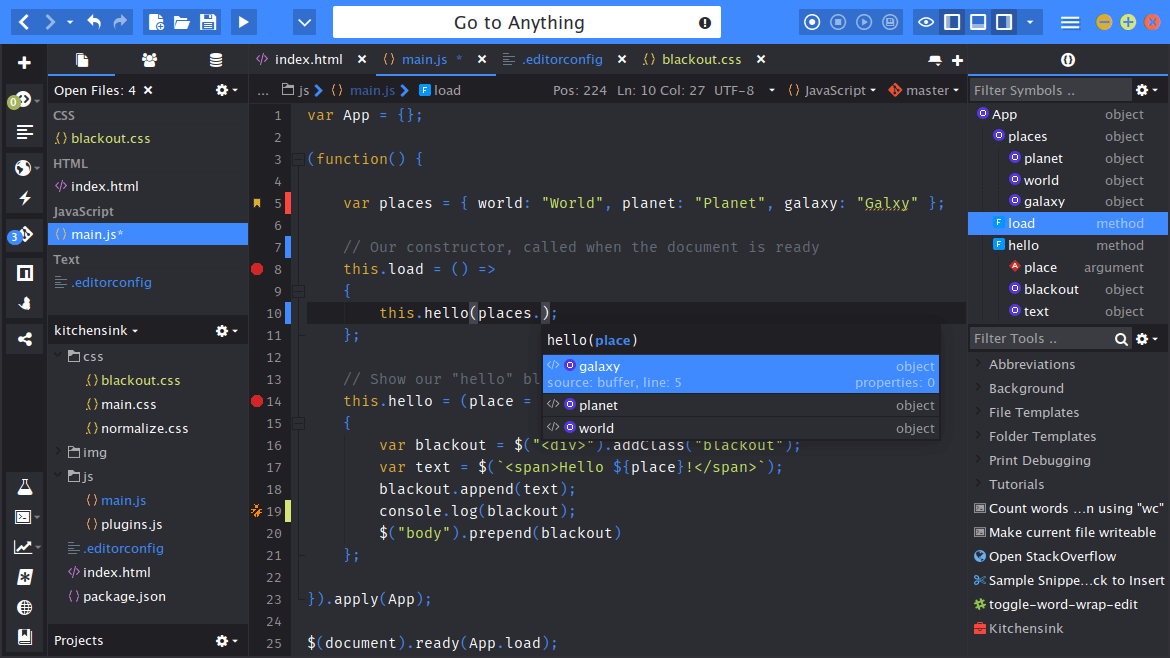
Code Intelligence
Powerful editor with syntax highlighting, autocomplete, code refactoring and more.
Debugging and Unit Testing
Visual debugger and more to debug, inspect and test your code.
Version Control
Support for Git, Mercurial, Subversion, CVS, Perforce and Bazaar.
Extensibility
Tons of add-ons for customizing and extending features.
Dev Teams
Great tools for pair programming and collaboration.
All Your Languages
Python, PHP, Perl, Go, Ruby, Node.js, JavaScript and more
Workflow Management
Define your own workflow with easy file and project navigation.
Enterprise-Grade Support
Backed by ActiveState, trusted by developers and enterprises
What's New with Komodo IDE
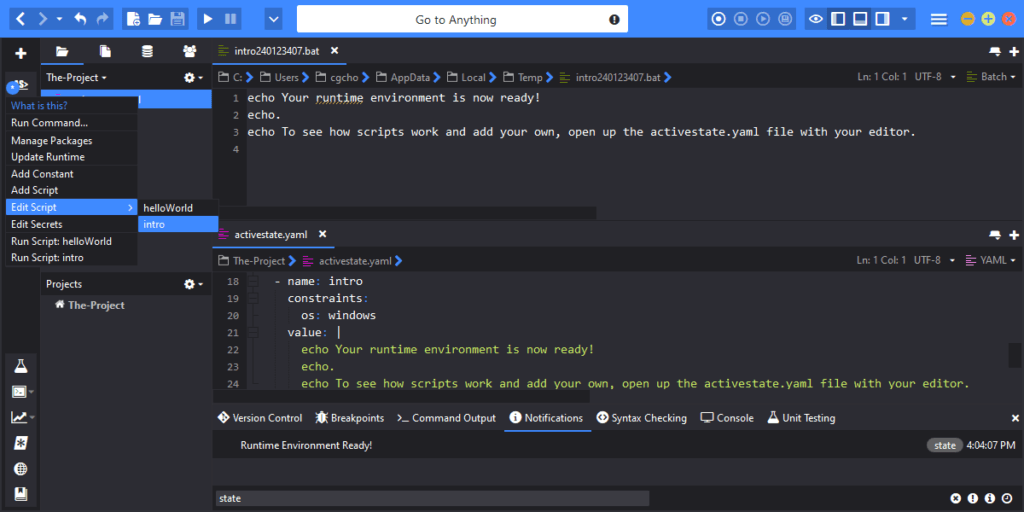
ActiveState Platform Integration
Komodo 12 is now integrated with the ActiveState Platform. Pick from ActiveState’s package inventory and the Platform builds your language distribution automatically, resolves dependencies, and packages your builds for easy deployment. The State Tool command line interface (CLI) comes integrated with Komodo to simplify and streamline your workflow.
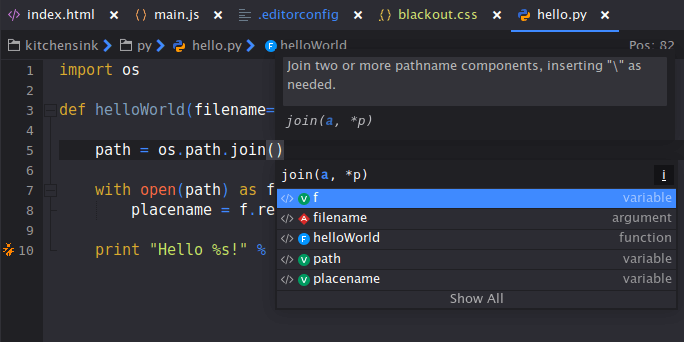
Revamped Code Intelligence
Code Intelligence is smarter and faster than ever before. Increase your productivity with smarter and more responsive autocomplete and symbol browsing, while enjoying overall faster performance.
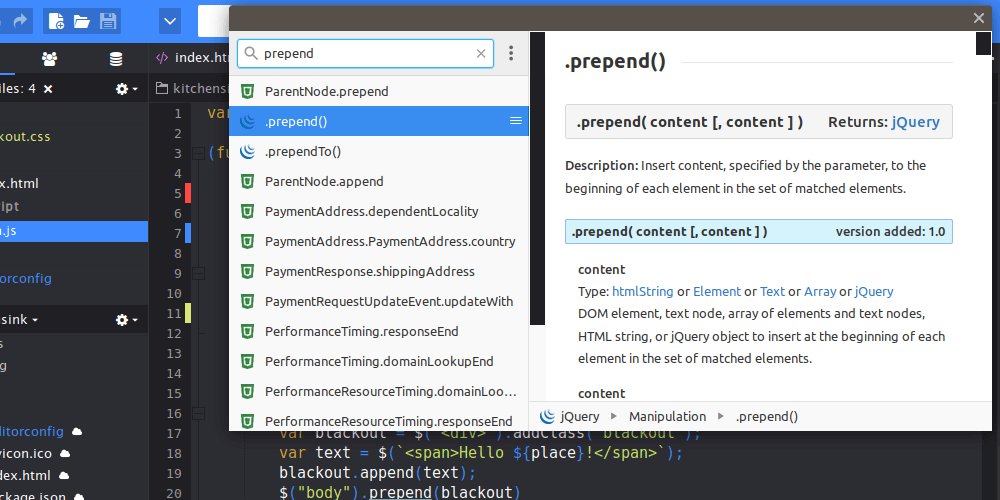
Devdocs.io Integration
Resolve issues faster and focus on coding. Just highlight any word or code snippet and trigger the relevant language docs from inside Komodo, making the process of looking up documentation much simpler. It even works when you’re offline!
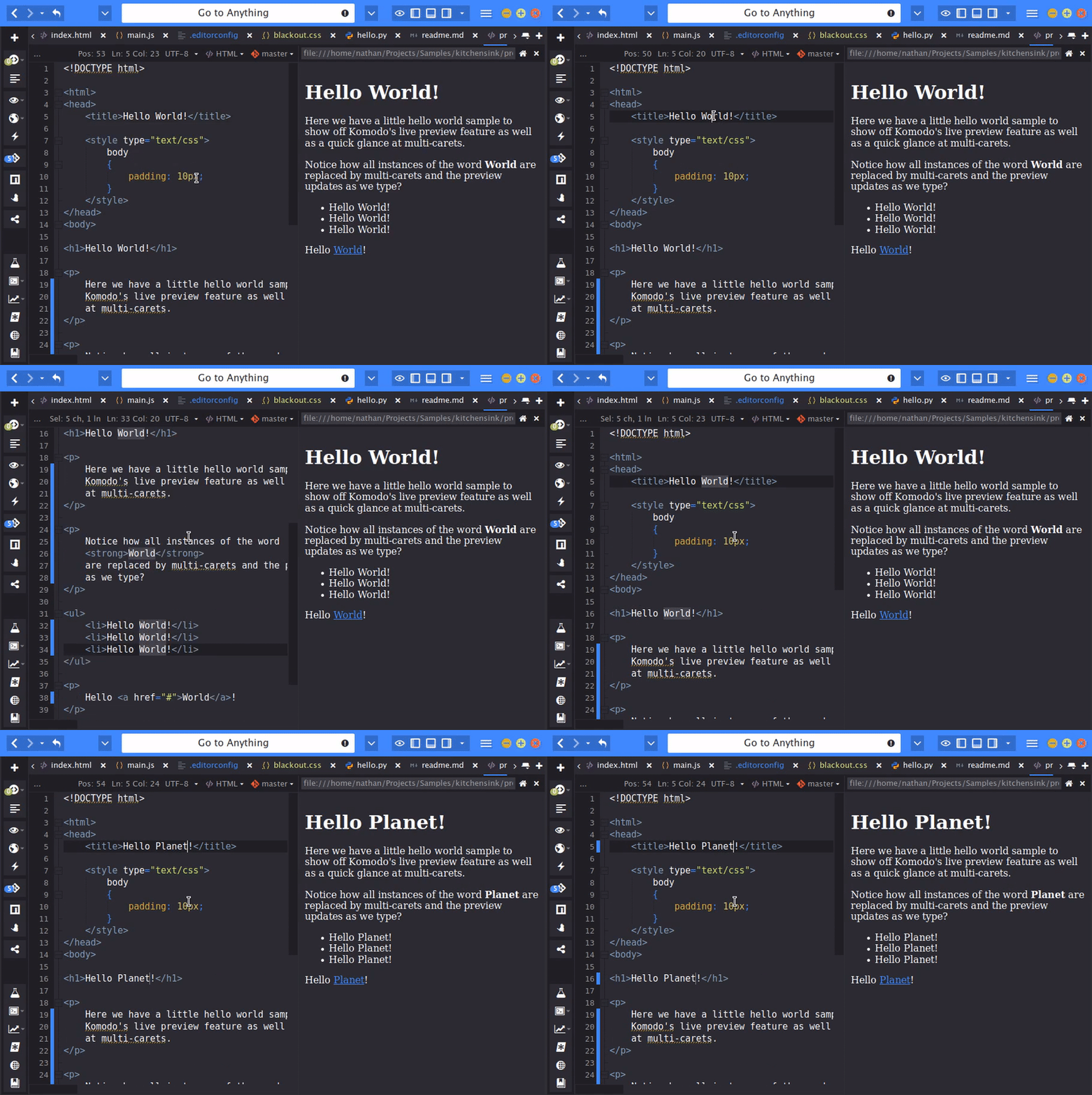
Live Previewing
No need to switch back and forth between your browser and editor. Now you can edit your HTML and markdown and test it all without leaving your IDE. Your preview will automatically reload whenever you edit the file – saving not required.
Our Customers











As a passionate PHP developer, and having used competitor products extensively, I appreciate Komodo IDE every day. The improvement it and its add-ons have made to my productivity literally paid for the license cost in the first month.
Marc Gray, Lamped.co.uk
Komodo is a great product. My favourite feature is the regex generator/tester. It’s saved me heaps of time and aggravation when coming up with complicated regular expressions to get through weblogs and the like.
Ben Maddock, Web Administrator (UniSAnet), Flexible Learning Centre, University of South Australia
I appreciate your realistic licensing [for Komodo]—I paid for my own copy and I use it at home on my Linux desktop, on my laptop, and here at my day job.
Brian Wilson, Alsea Geospatial, Inc.
The increase in productivity I got from the interactive debugging environment in Komodo IDE probably saved me more than the purchase price within 48 hours. This is a quality product.
Graeme Robinson, Memex Inc.